Quickstart Guide: Your First Test Run
Ready to run your first test? This guide walks you through the process. The onboarding is fast, intuitive, and gets you from setup to insights in minutes.
Step 1: Create Your Account or Sign In
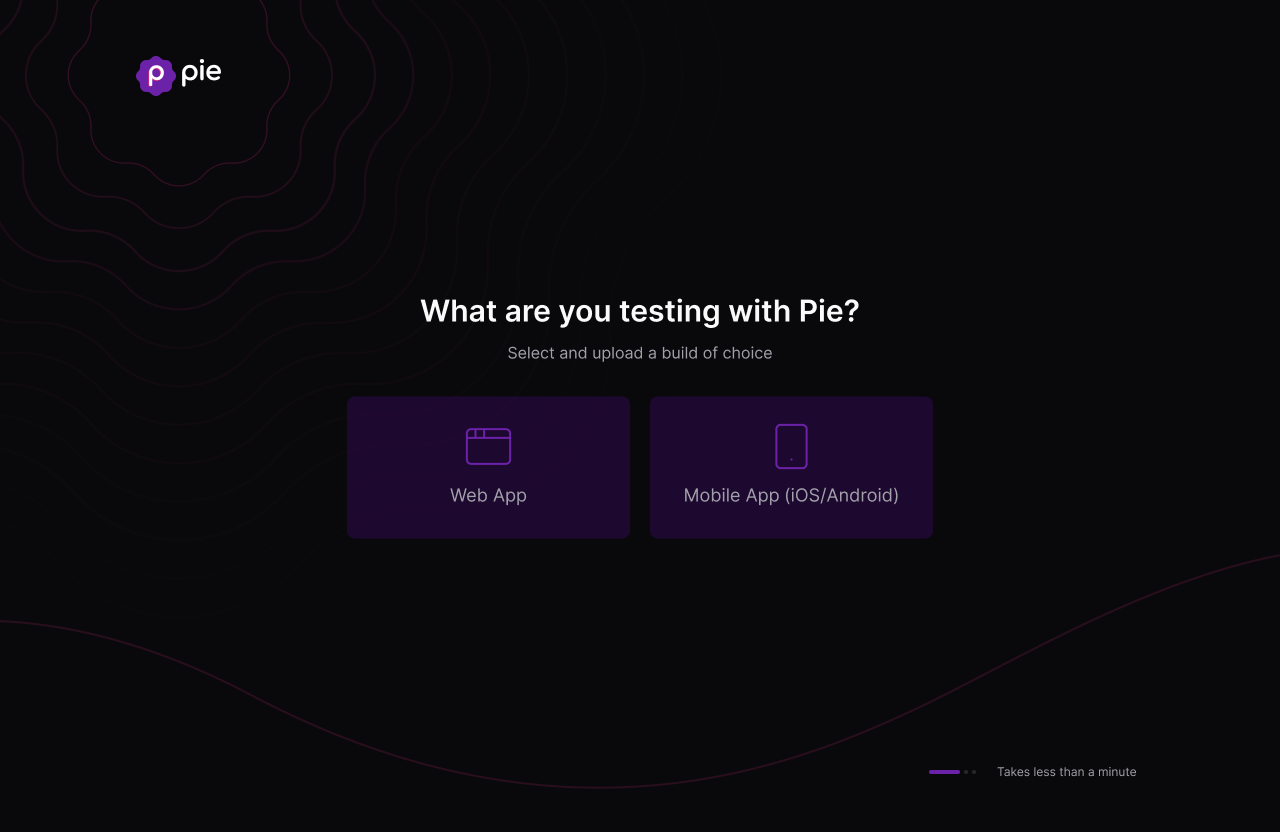
Your journey with Pie begins at the sign-in page. To get started:
- Use your Google account: Click “Continue with Google” for quick, password-free access.
- Use your email: Click “Continue with email” and enter your registered work email and password.
- New to Pie?: Click “Sign up” to create your account in moments.
Enterprise SSO is supported. Contact your account team for setup details. If your Google login prompts for 2FA, complete it as usual.
Step 2: Provide Your Application
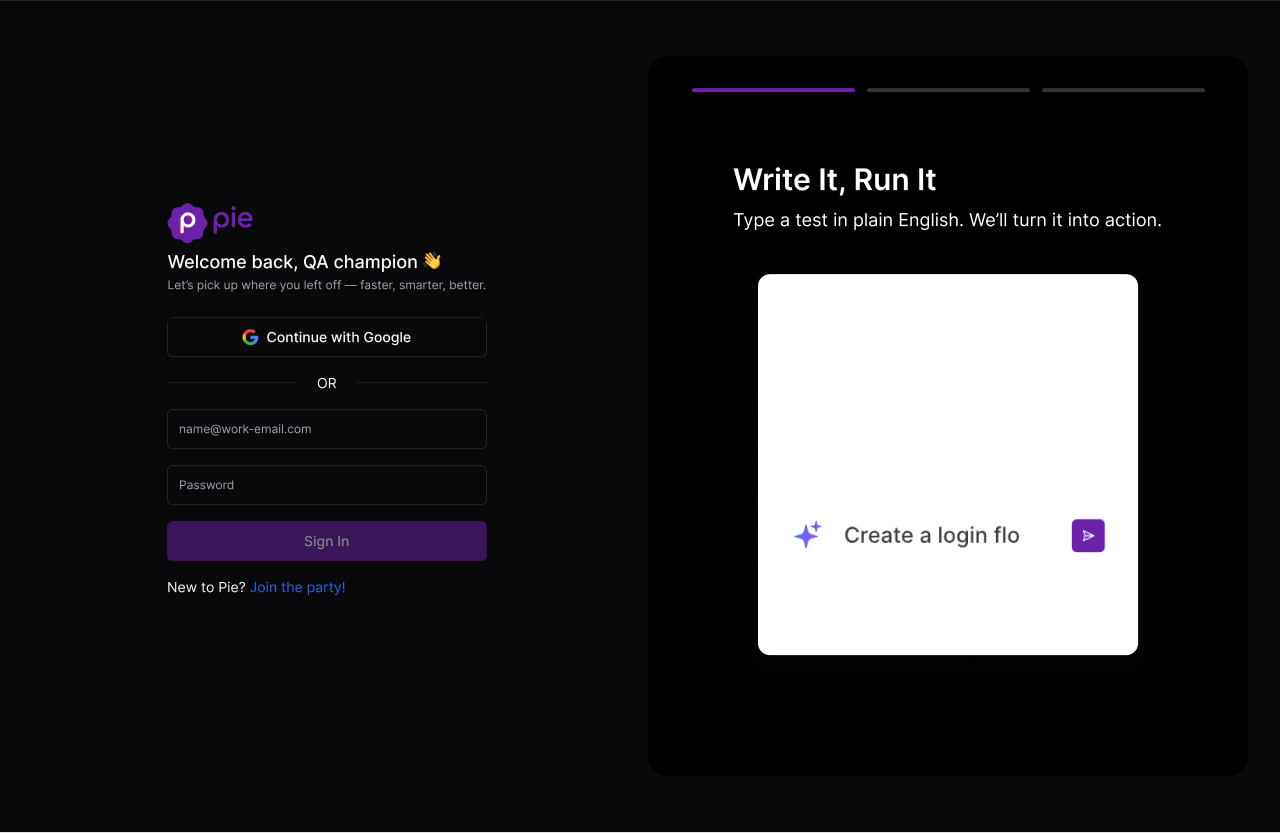
Once you’re signed in, it’s time to give Pie your application.
For Mobile Apps
- You’ll see a prompt: “Drop your app and let’s do this.”
- Drop your
.apk(Android) or.app(iOS) build, or a zipped version of either, or use the “Browse Your Build” button. - Pie runs mobile app testing across functional flows, visual states, and OS variants — no test scripts required.
For Web Apps
- Simply enter the URL of your web application when prompted.
Step 3: Provide App Credentials (If Needed)
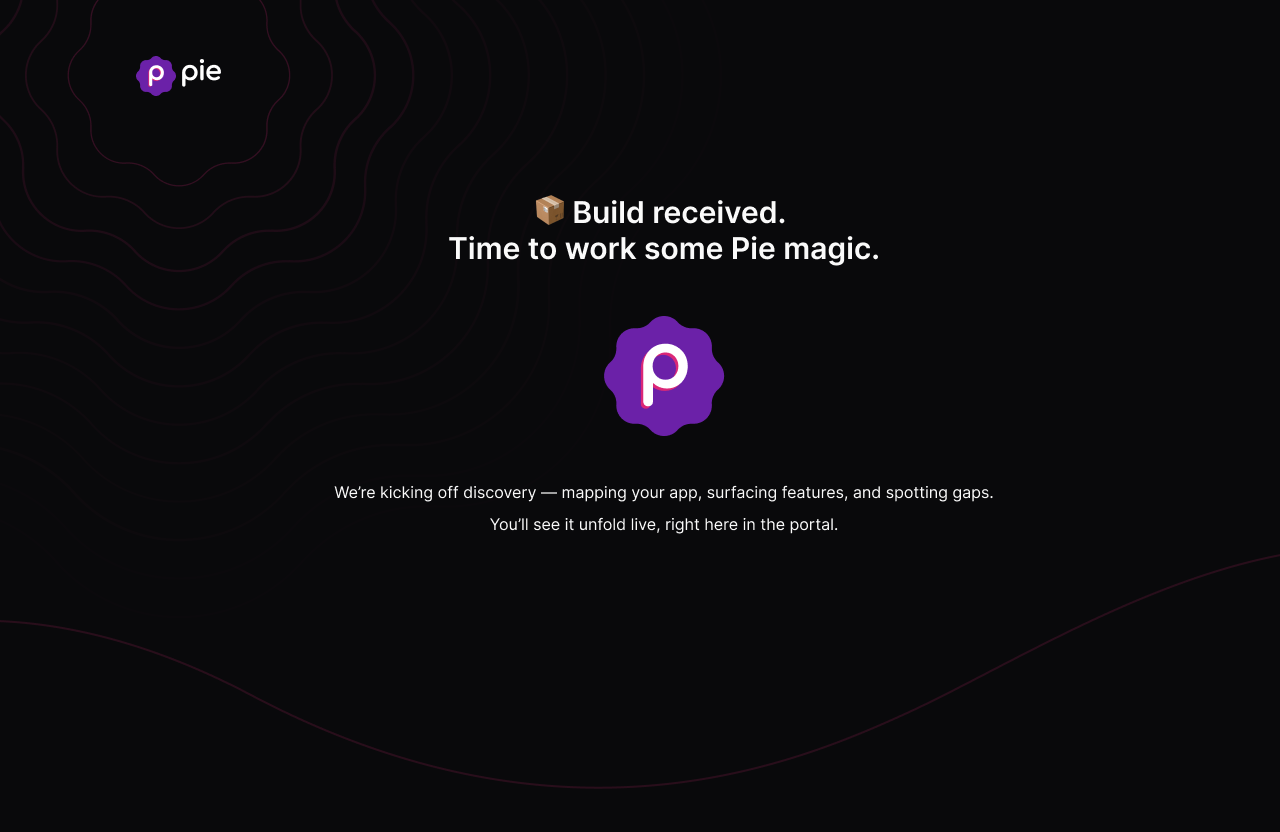
If your app requires a login to access its main features, Pie will prompt you to enter test credentials. We recommend using a dedicated test account rather than a real user account. Credentials are stored encrypted and used only during test execution. For more details, see the Credential Manager.
Step 4: Let the Magic Happen
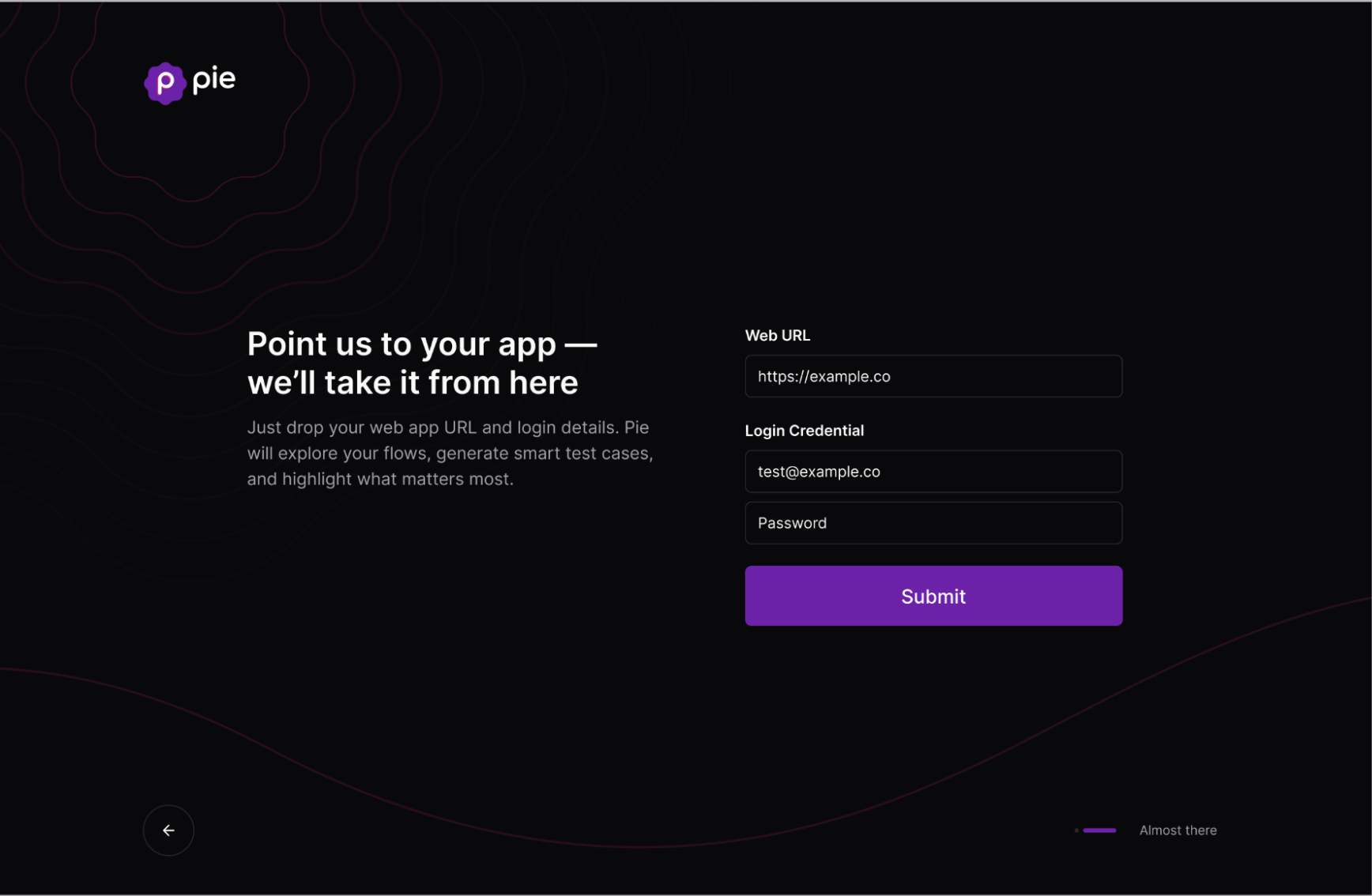
After submission, Pie begins mapping your app automatically. You can close the browser and we’ll email you when your report is ready, or stay on the dashboard to watch in real time.
Step 5: Watch It Live (Optional)
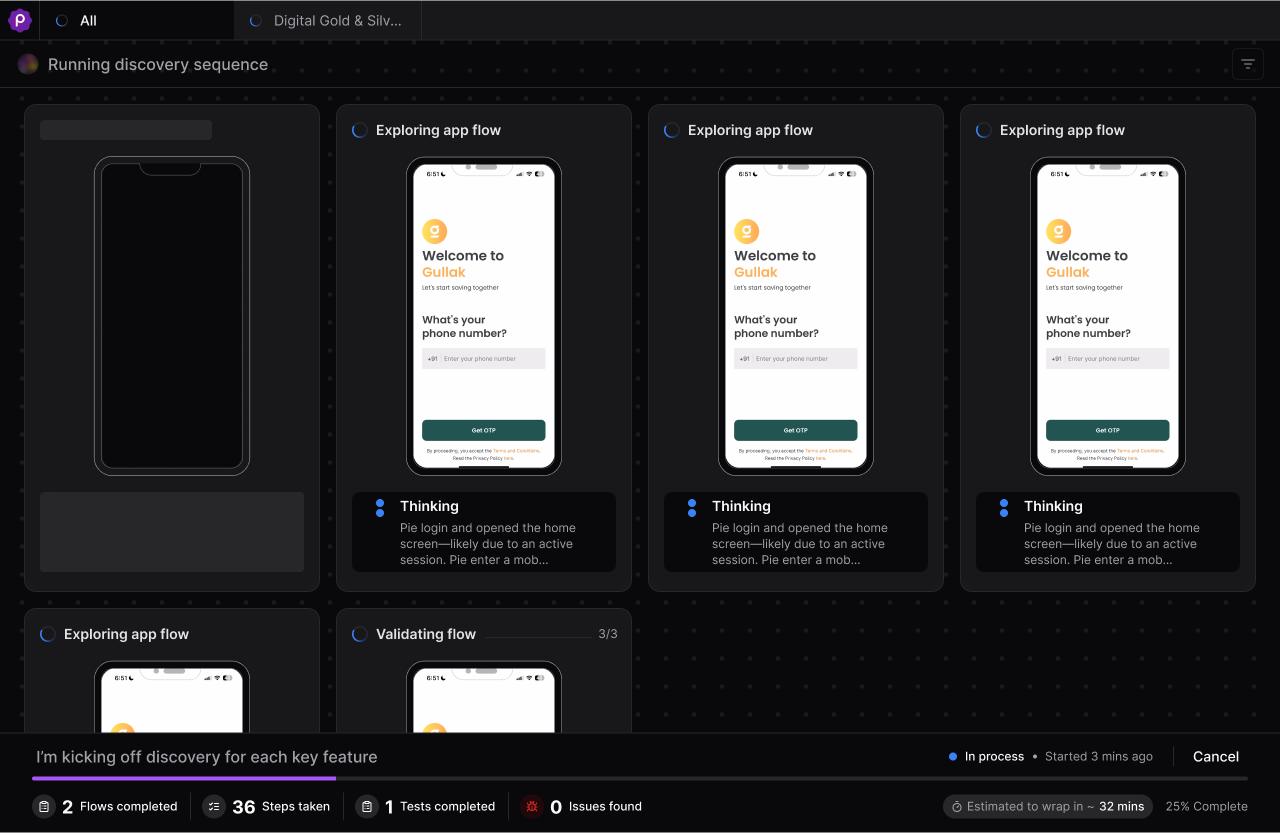
Open the active run from your dashboard to follow test execution in real time. Watch as our agents surface features and generate tests.
Step 6: Review Your Report
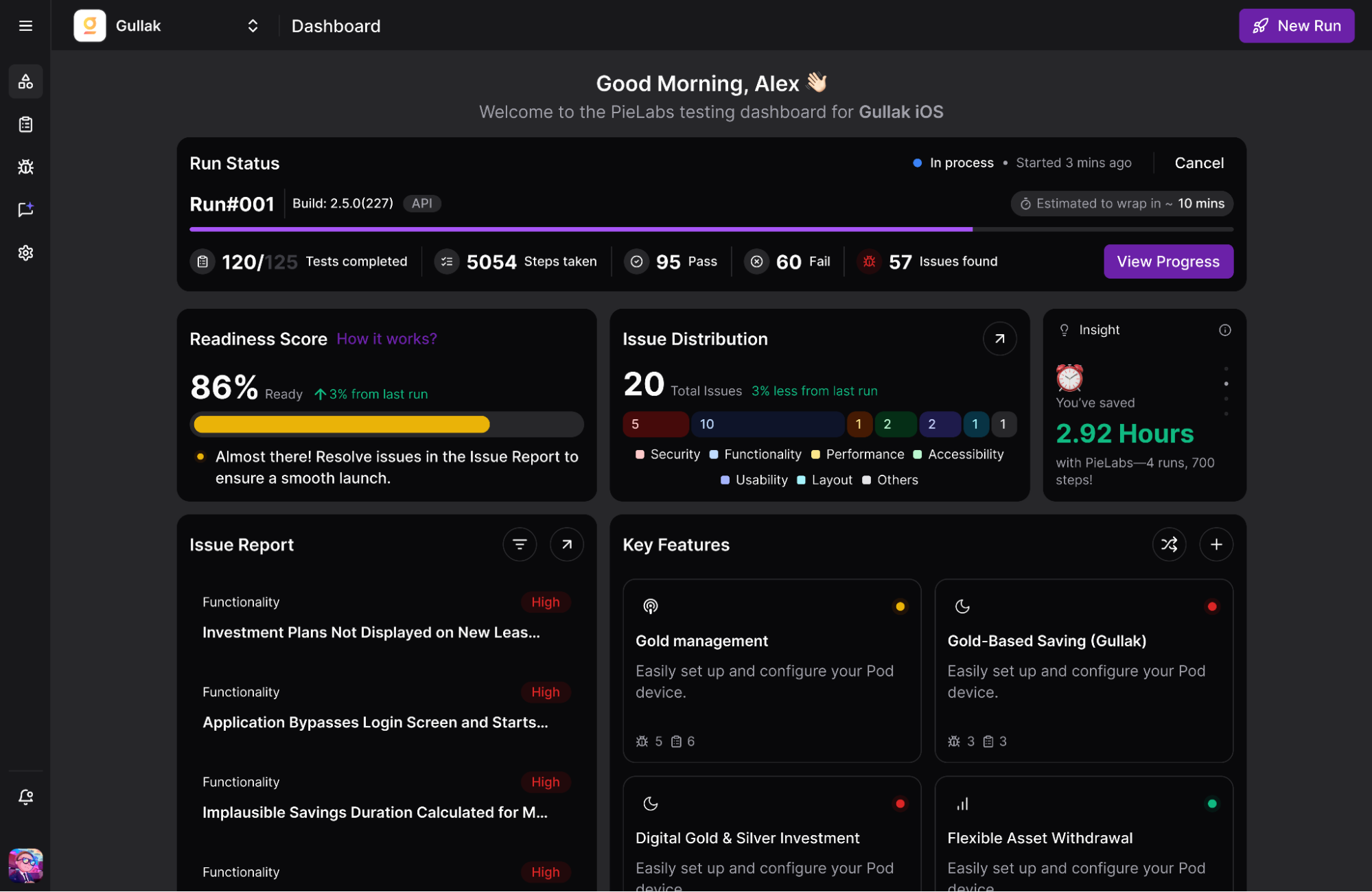
Within 15-30 minutes, your test report will be available on the dashboard. It includes:
- ✅ Readiness Score
- 🗺️ Summary of Key Features
- 🐞 Issues Found
- 📋 All Executed Test Cases
The Readiness Score appears at the top of your run page. Issues and Test Cases are each available as separate tabs below.
You’re All Set!
That’s it, your first test run is complete. In minutes, you’ve gone from signup to smart, actionable insights.